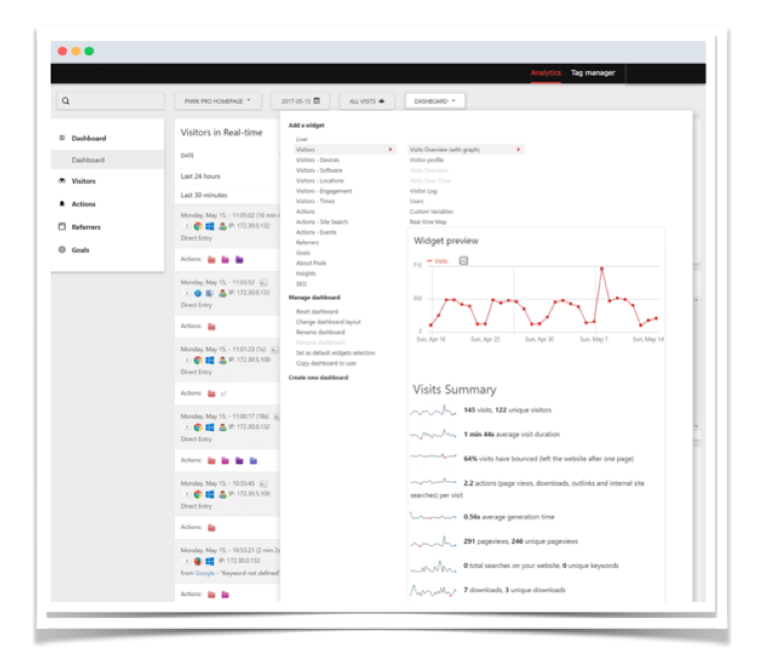
Functionality available with Analytics
User Groups
Simplify the process of management of user access and admin permissions. User Groups feature allows administrators to easily create multiple groups of users and assign them shared access permissions. .

More control & security
Make sure your website stats are available only to the right users. Analytics tools User Groups protect you from costly mistakes, even with the largest user bases.
Multiple Groups & Distinct Access Rights
At first it seems easy to manage all of your users, but if your user base grows to hundreds or thousands you’ll need the flexibility this feature offers.

Groups Can Be Adjusted to Your Needs
Every group of users can be edited or deleted at any time after being created. Worry not, nothing is set in stone!

Easy management of your user base
Adding users to groups is easy. Just start typing the name or email address of a user and the menu will help you locate them.
Manage user permissions with User Groups
Adding Analytics tools User Groups allows you to create groups made of any number of users. You can give them view or admin rights to as many of your Piwik-tracked websites as you want.
Quick Assignment of Access Rights
Define which user groups should have access to all or parts of your tracked websites. Each group can have completely different access rights.
Simplify user access process
User Groups can create multiple groups using the same instance, but having access to completely different tracked websites. Group can have either no access, view-only or full admin access to each property.
Save time
Taking the process to a group level saves you time when assigning and revoking view and user permissions.